
Dual-pane layout
Two independent panes side by side, each with its own tabs. Link panes to mirror navigation, swap their paths with one click, or open the current folder in the opposite pane.
A native dual-pane file manager for macOS, built for people who move, compare and clean up files across local folders, cloud storage and remote FTP/SFTP servers from a single window.
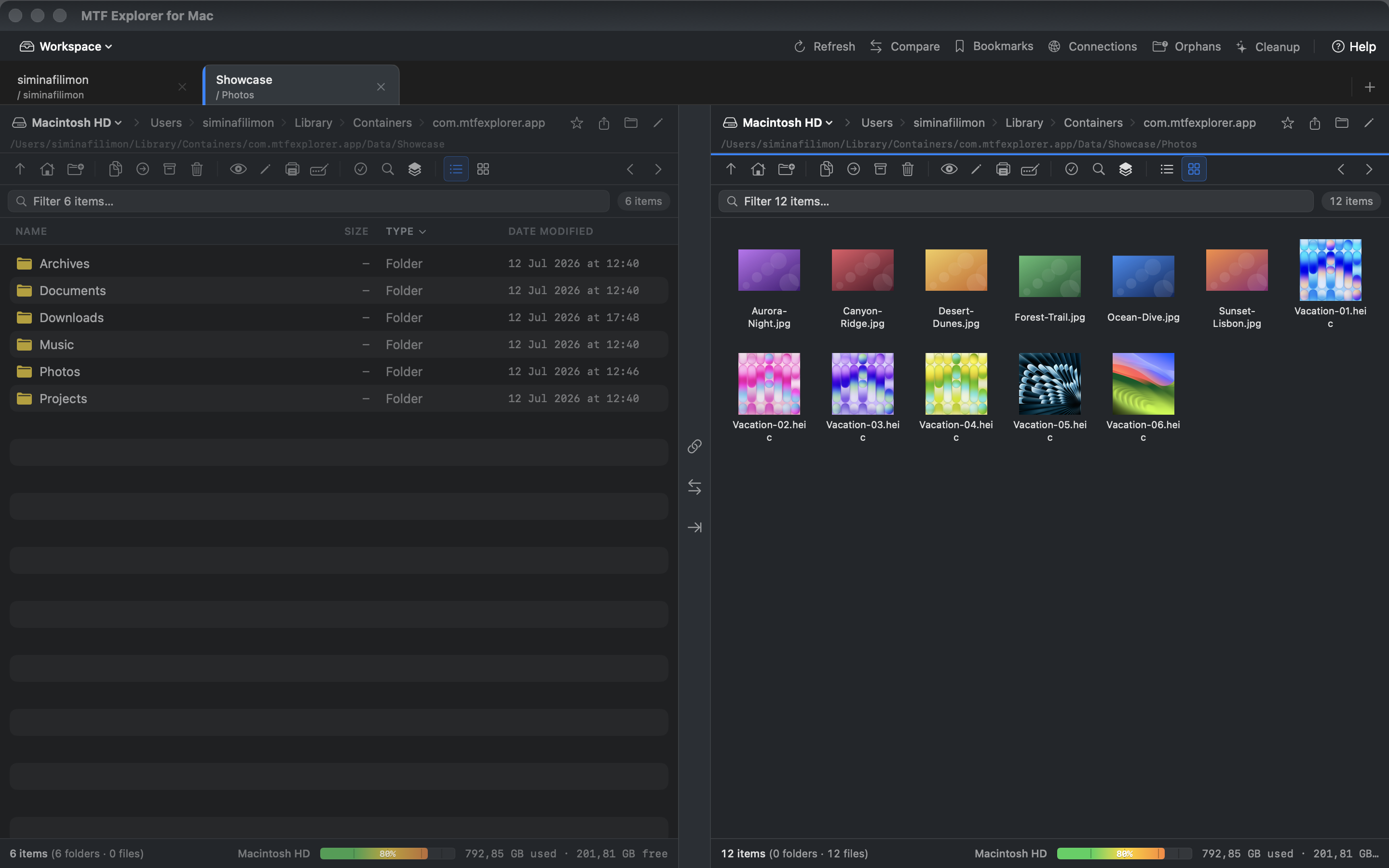
Everything you need to move, compare, search and clean up files across local folders, cloud storage and remote servers — all from one native macOS app.
Two independent panes side by side, each with its own tabs. Link panes to mirror navigation, swap their paths with one click, or open the current folder in the opposite pane.
Save and restore whole layouts — the folder open in each pane, every open tab and the active tab — as named workspaces you can switch between instantly.
Save the current path with ⌘D and recall it from the toolbar. Selecting a bookmark navigates the active pane straight to the stored folder.
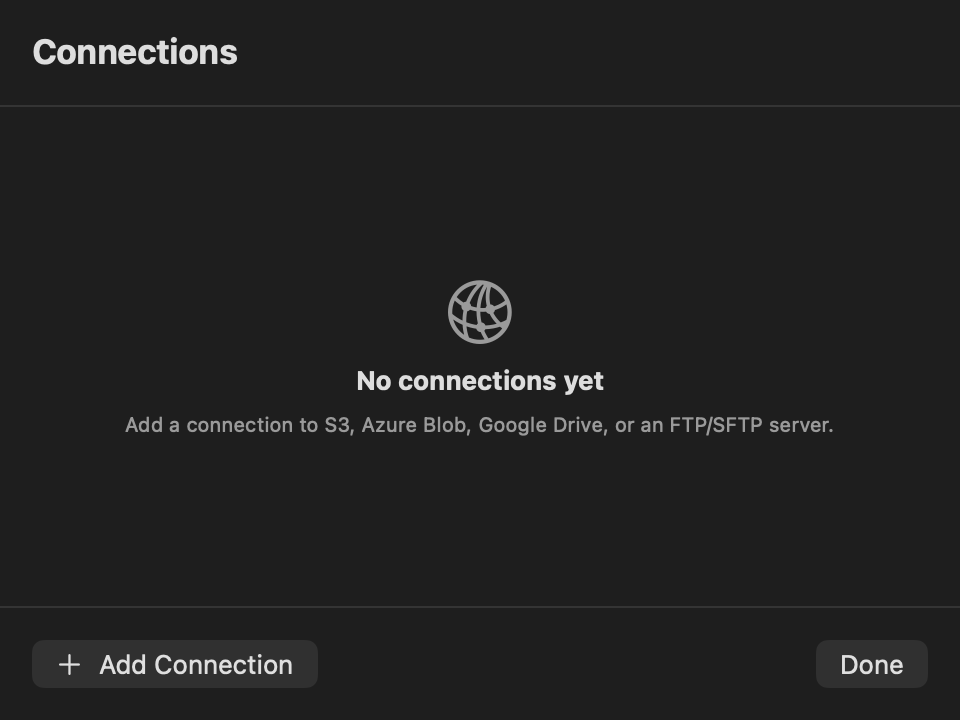
Connect to AWS S3, Azure Blob Storage and Google Drive, and browse remote storage in a pane exactly like a local folder.
Built-in FTP client with explicit or implicit TLS, plus SFTP over SSH. Proxy support for HTTP, SOCKS4 and SOCKS5 connections.
Browse cameras and phones set to PTP/Camera mode using Apple’s ImageCaptureCore and copy files to local folders — no extra software required.
Find files by meaning instead of exact names. Runs entirely on your Mac using Apple’s built-in language model — no account, no API key, no model download and nothing uploaded.
Full-text search inside PDF files. PDFs in indexed folders are parsed in the background and matches appear alongside filename results.
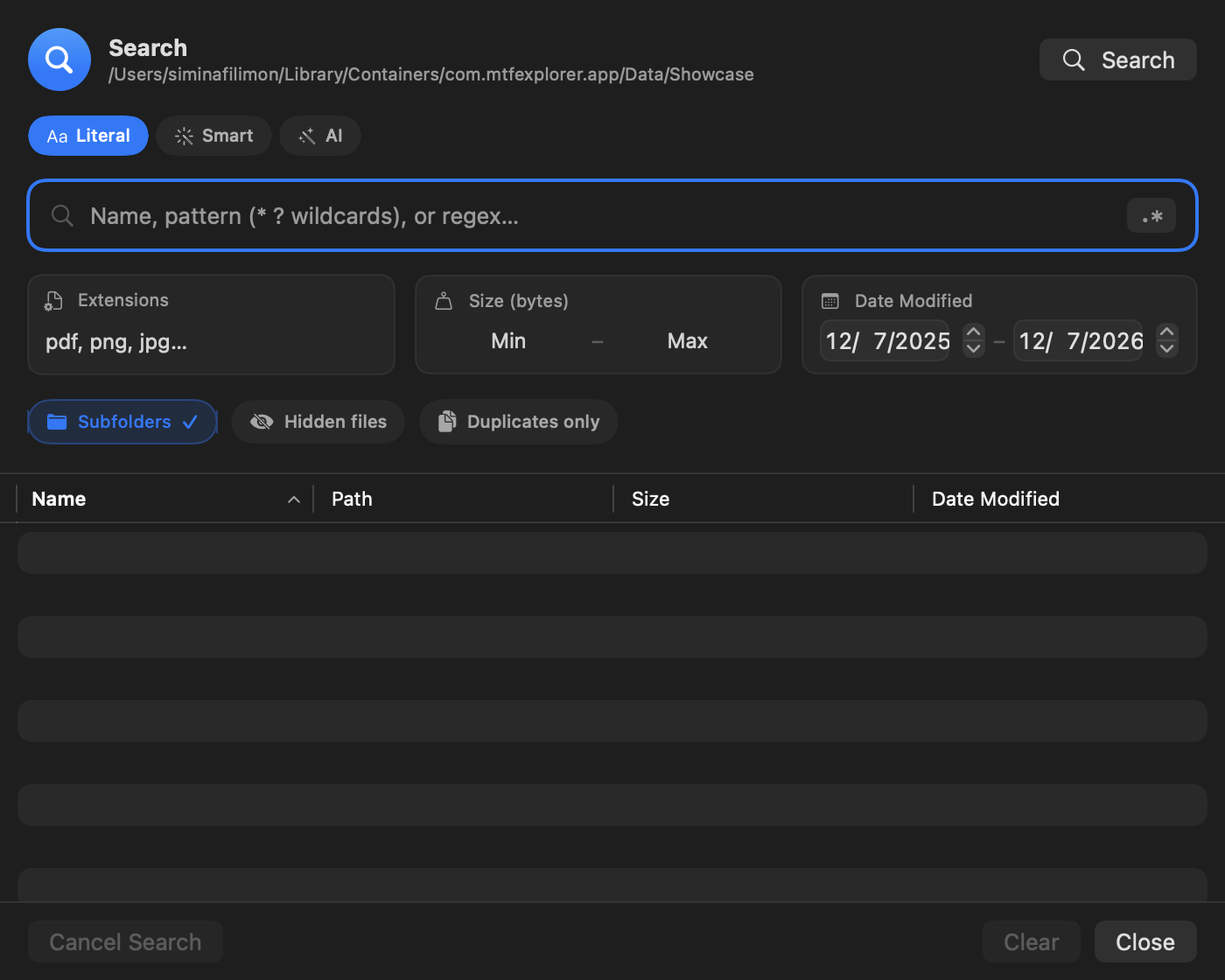
Search by name wildcards, size range, date range and extension, with an instant filter bar above each list for narrowing the current directory.
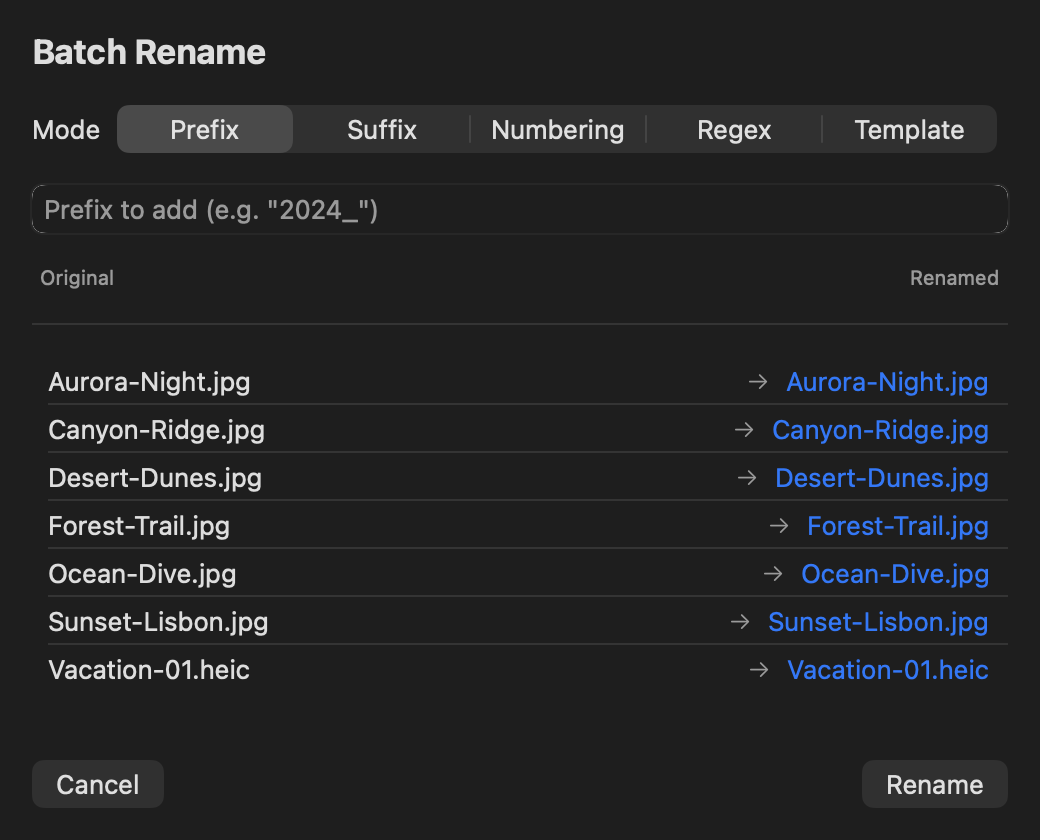
Rename many files at once with prefix and suffix, sequential numbering, regex substitution or case change — with a live preview before applying.
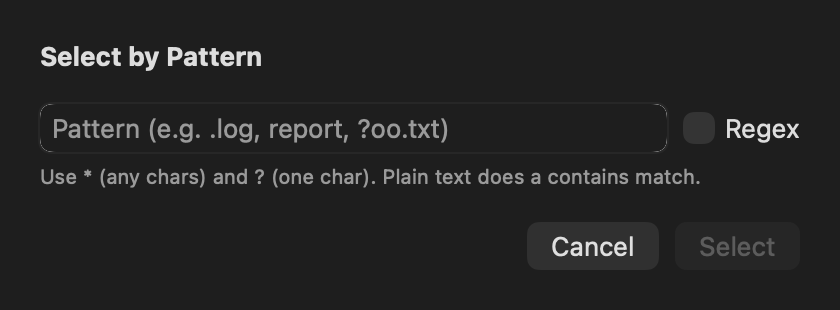
Select or deselect files using glob patterns or regular expressions, ideal for targeting extensions or naming conventions before a bulk operation.
Apply colour tags and filter the list by tag. Auto-tag rules assign tags automatically based on extension, size or name patterns.
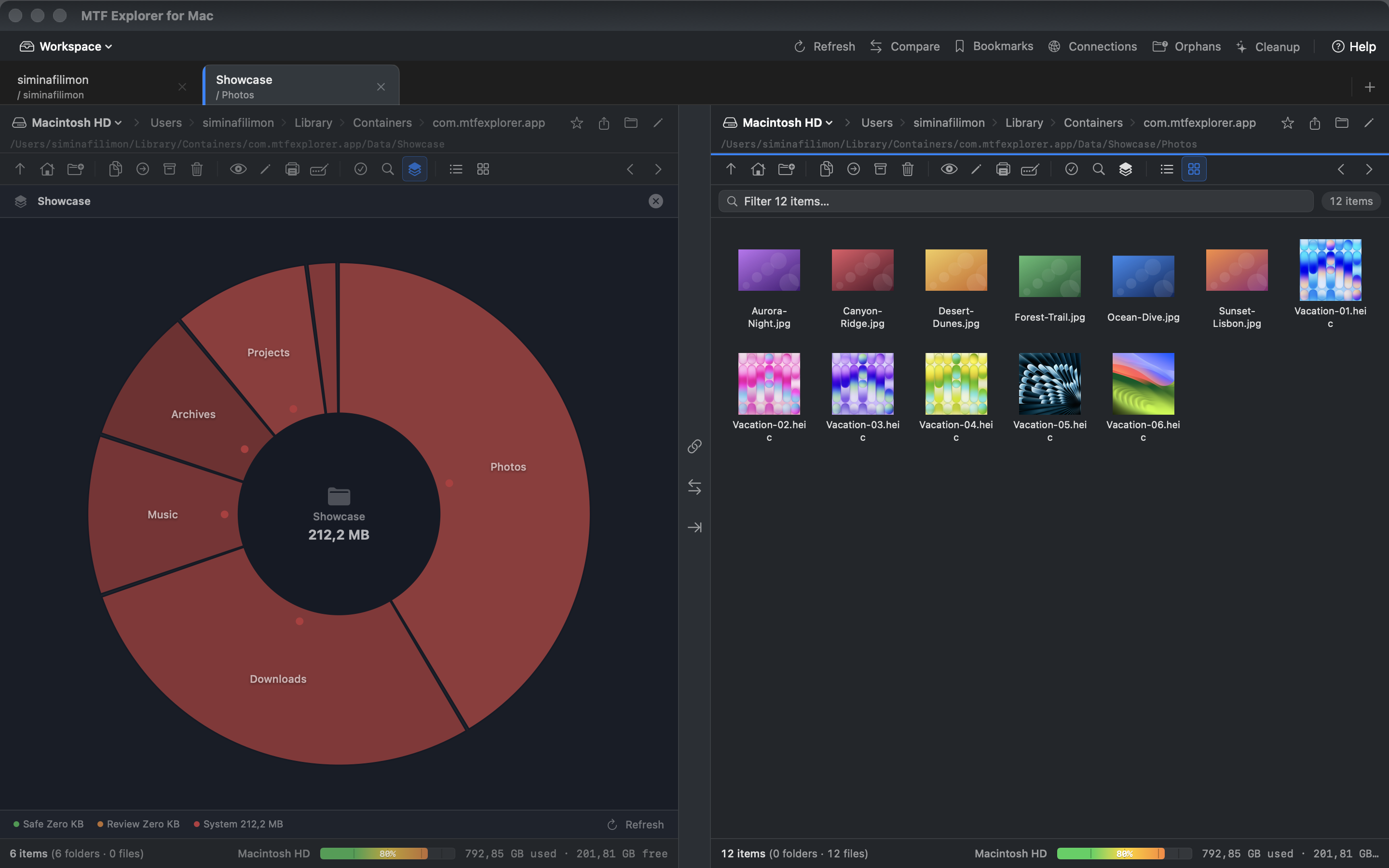
See what is consuming space with an interactive sunburst chart. Drill into any folder to see how size is distributed at a glance.
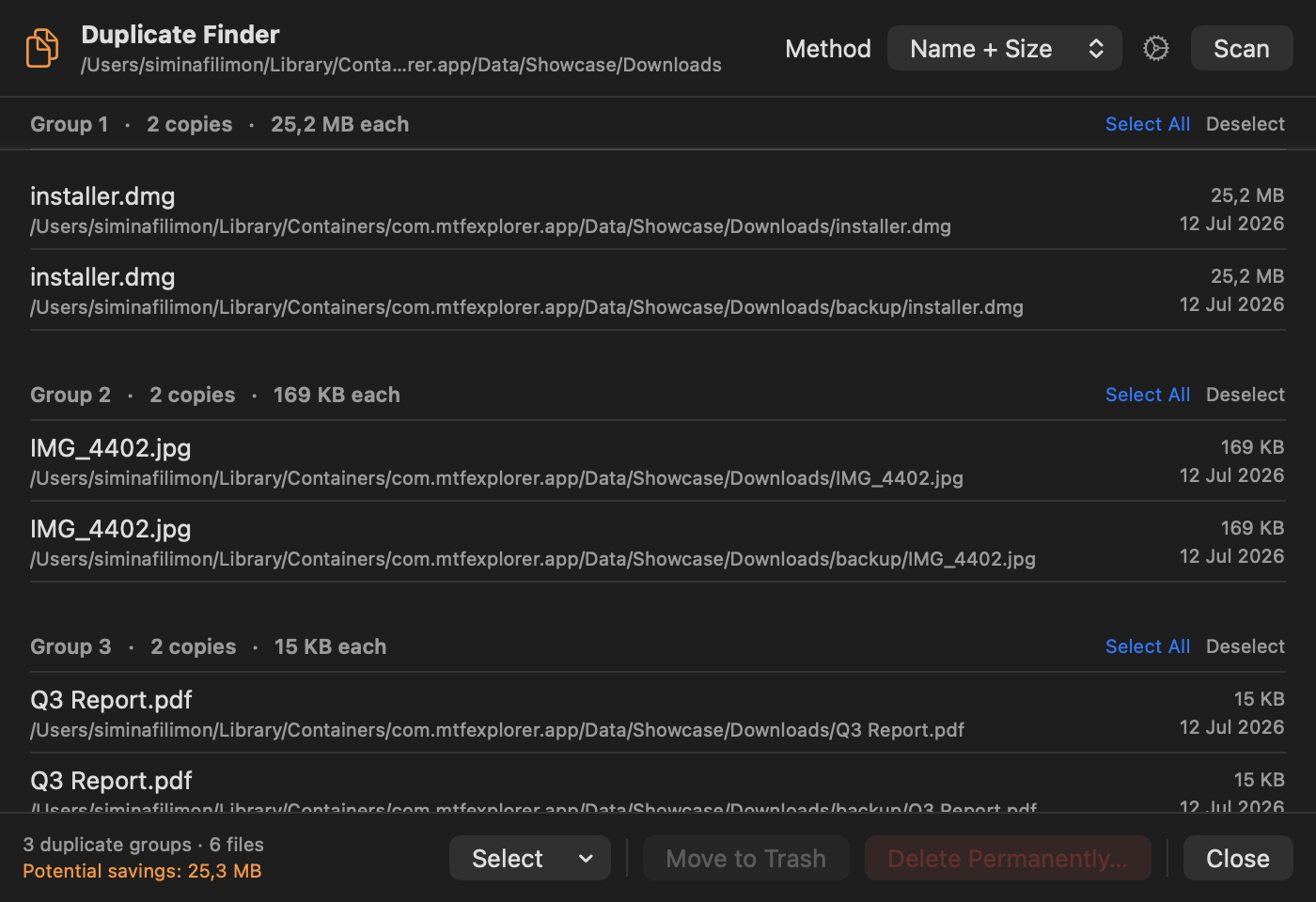
Scan a folder for duplicates by content hash, review results grouped by duplicate set, and move the extra copies to Trash in one action.
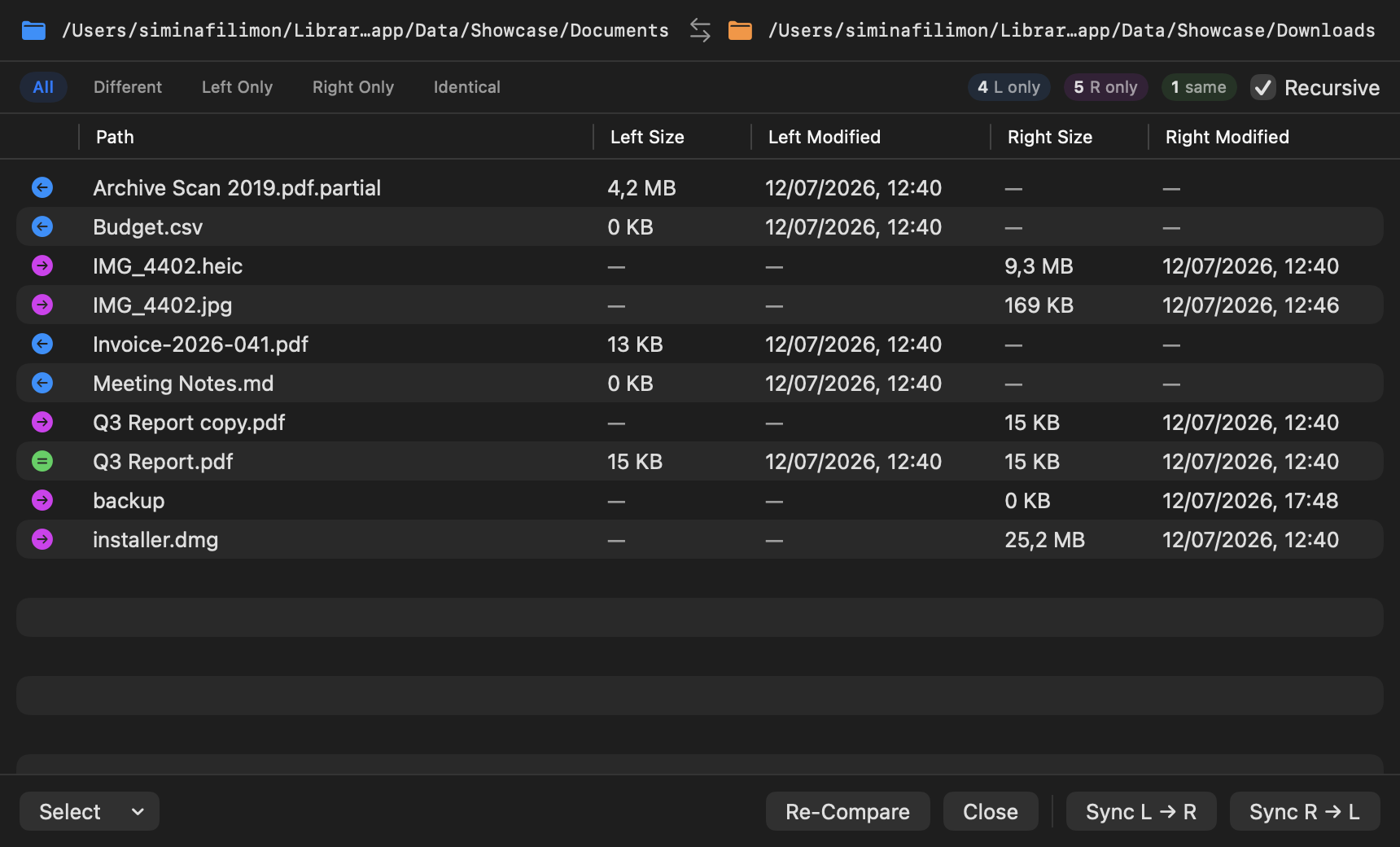
Compare two folders side by side — unique to either side, present in both, or differing in size or date — with sync in both directions.
Scan for app caches, logs, crash reports, old iOS backups and Trash in one pass, and detect leftover Library folders from apps you have uninstalled.
Create ZIP archives from any selection, browse inside existing ZIPs as virtual folders, and extract with a single click.
Convert selected images between JPEG, PNG, HEIC, TIFF and WebP straight from the context menu, with output written beside the originals.
Checksum tools and file comparison help you confirm that copies and transfers arrived intact.
Press Space to preview the selected file without opening it — images, PDFs, documents, videos and any format with a Quick Look plugin.
Open the active folder in Terminal.app, iTerm2 or any registered terminal emulator, from the toolbar or the context menu.
Define custom shell commands or AppleScripts that appear in the context menu and receive the selected file paths as arguments.
Reopen the app exactly where you left off, with the same tabs and folders in both panes.
Choose the appearance that suits you, with resizable columns, image thumbnails and a layout that adapts to any window size.
Interface snapshots captured from MTF Explorer running on macOS.
Legal documents
Common questions about MTF Explorer for macOS.
MTF Explorer includes a 30-day free trial with every feature unlocked. No account or card is needed during the trial. Continued use after the trial requires a subscription through the App Store.
Yes. MTF Explorer includes built-in FTP, FTPS and SFTP clients, so you can connect to and manage remote servers directly from the same dual-pane interface, with optional HTTP, SOCKS4 or SOCKS5 proxy support.
MTF Explorer connects to AWS S3, Microsoft Azure Blob Storage and Google Drive. Cloud locations open in a pane alongside local folders, so you can copy between them the same way you copy locally.
Yes. Each pane has its own tab strip, and every tab can navigate an independent local folder, remote server or cloud bucket. Named workspaces save and restore whole tab layouts so you can switch between tasks.
MTF Explorer runs on macOS 14.0 (Sonoma) and later, as a native universal app on both Apple silicon and Intel Macs.
MTF Explorer browses cameras and phones set to PTP/Camera mode using Apple’s ImageCaptureCore, and copies files from them into local folders. macOS provides no generic MTP driver, so an Android phone in File Transfer (MTP) mode will not appear, and an iPhone exposes only its camera roll.
Yes. Semantic search runs entirely on your Mac using Apple’s built-in NLEmbedding model, so there is no account, no API key, no model download and nothing is ever uploaded. File names are indexed for semantic matching, and PDF content indexing adds full-text search inside PDF files.
Yes. MTF Explorer includes both light and dark themes, which you can switch in Settings under Appearance.