
Dual-Pane Productivity
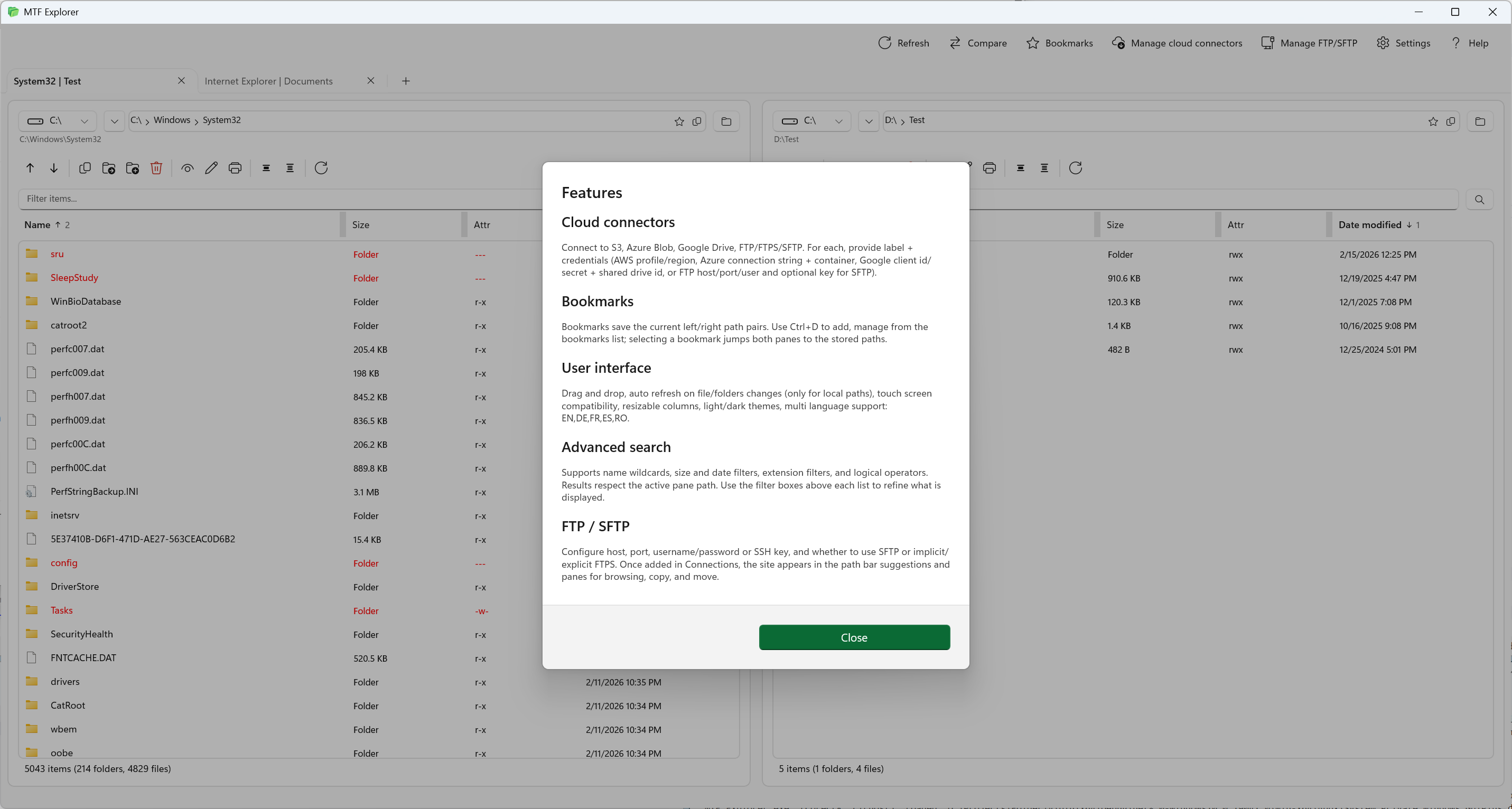
Run parallel operations with left-right panes and independent tab stacks.
Multi Tab File Explorer is a modern file explorer for Windows built for teams that work across local folders, cloud storage, and remote FTP/SFTP servers from a single interface.
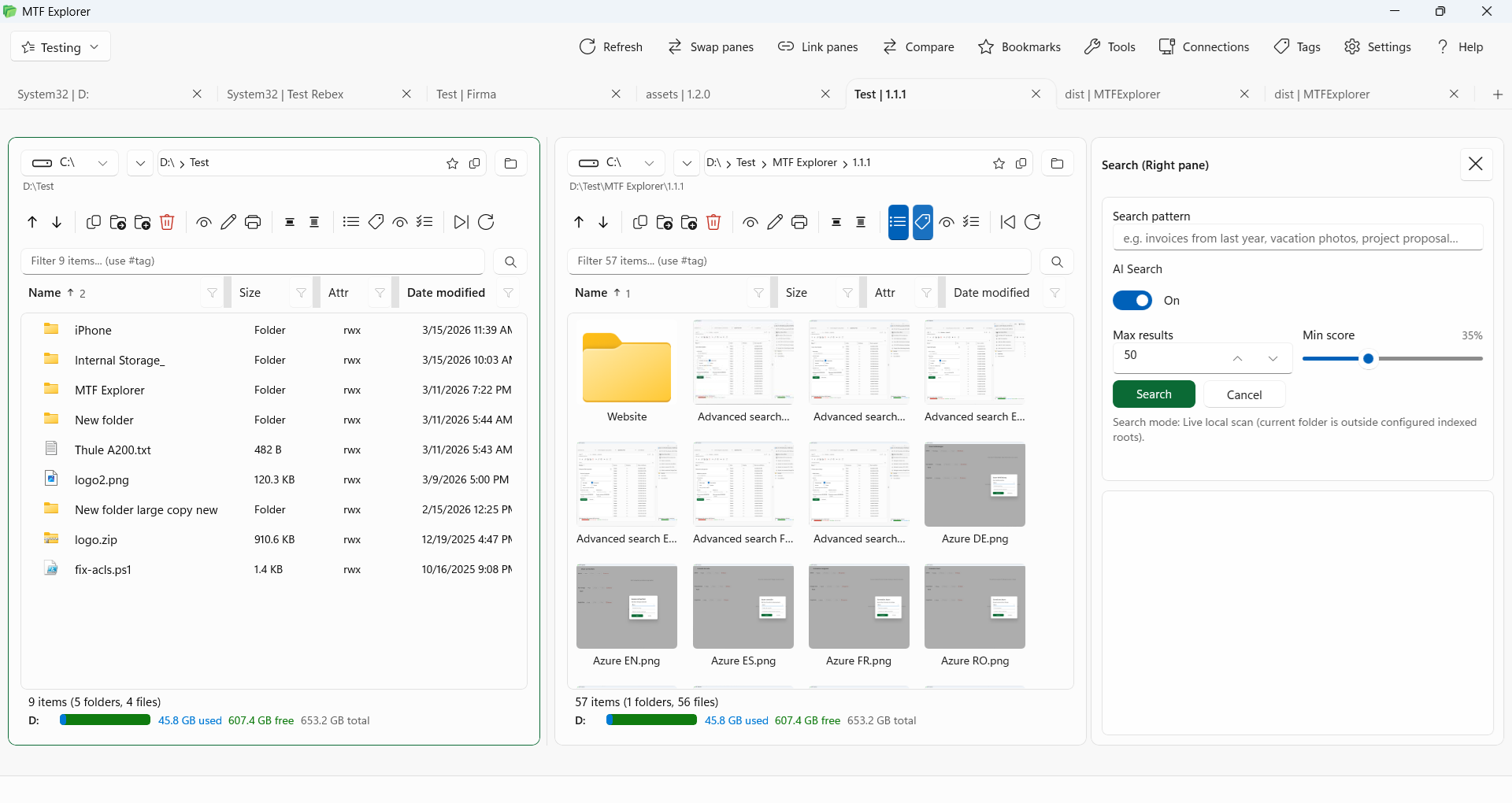
Everything you need to move, compare, and manage files quickly across local folders, cloud storage, and remote servers — all from one Windows desktop app.
Run parallel operations with left-right panes and independent tab stacks.
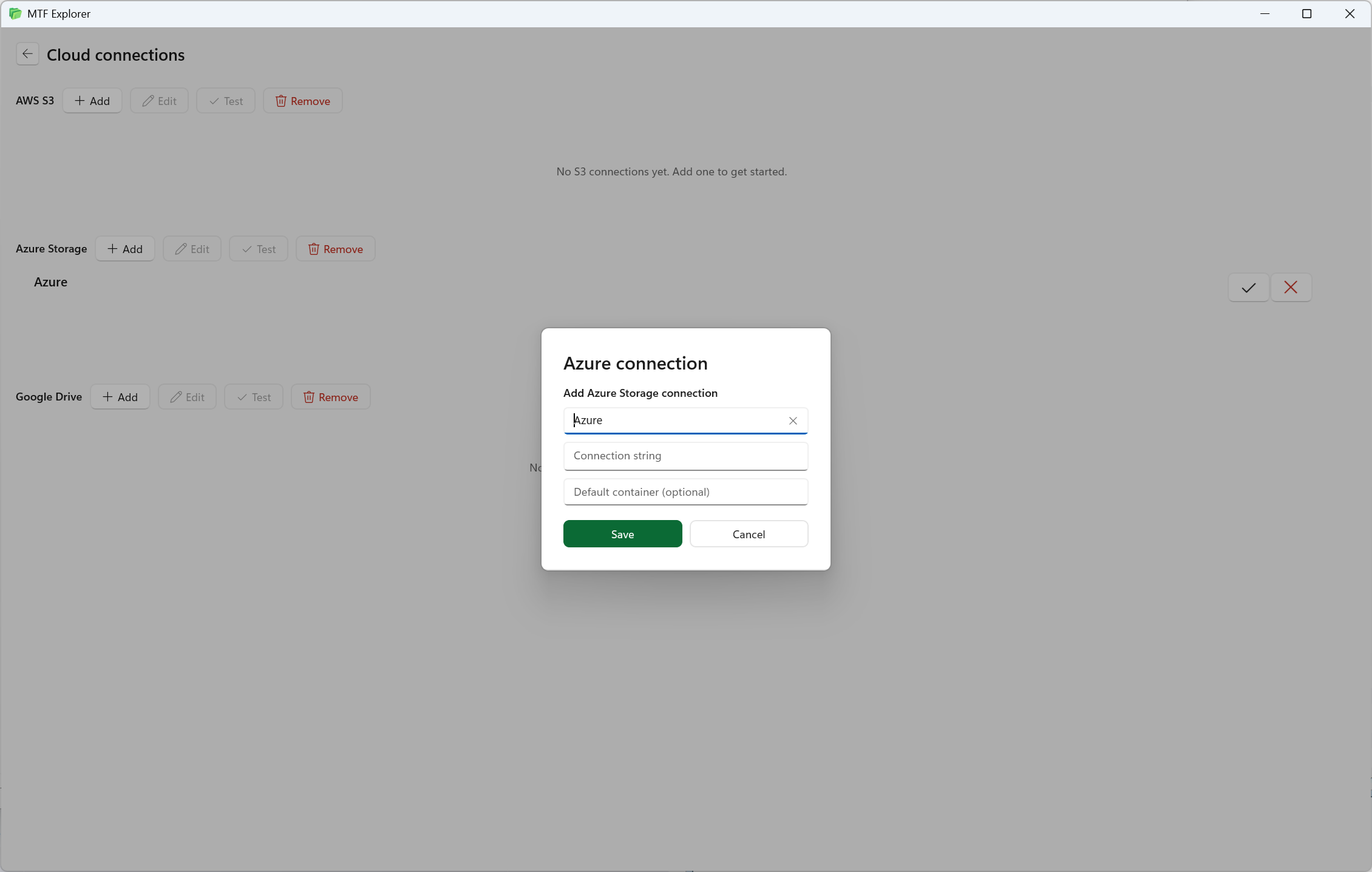
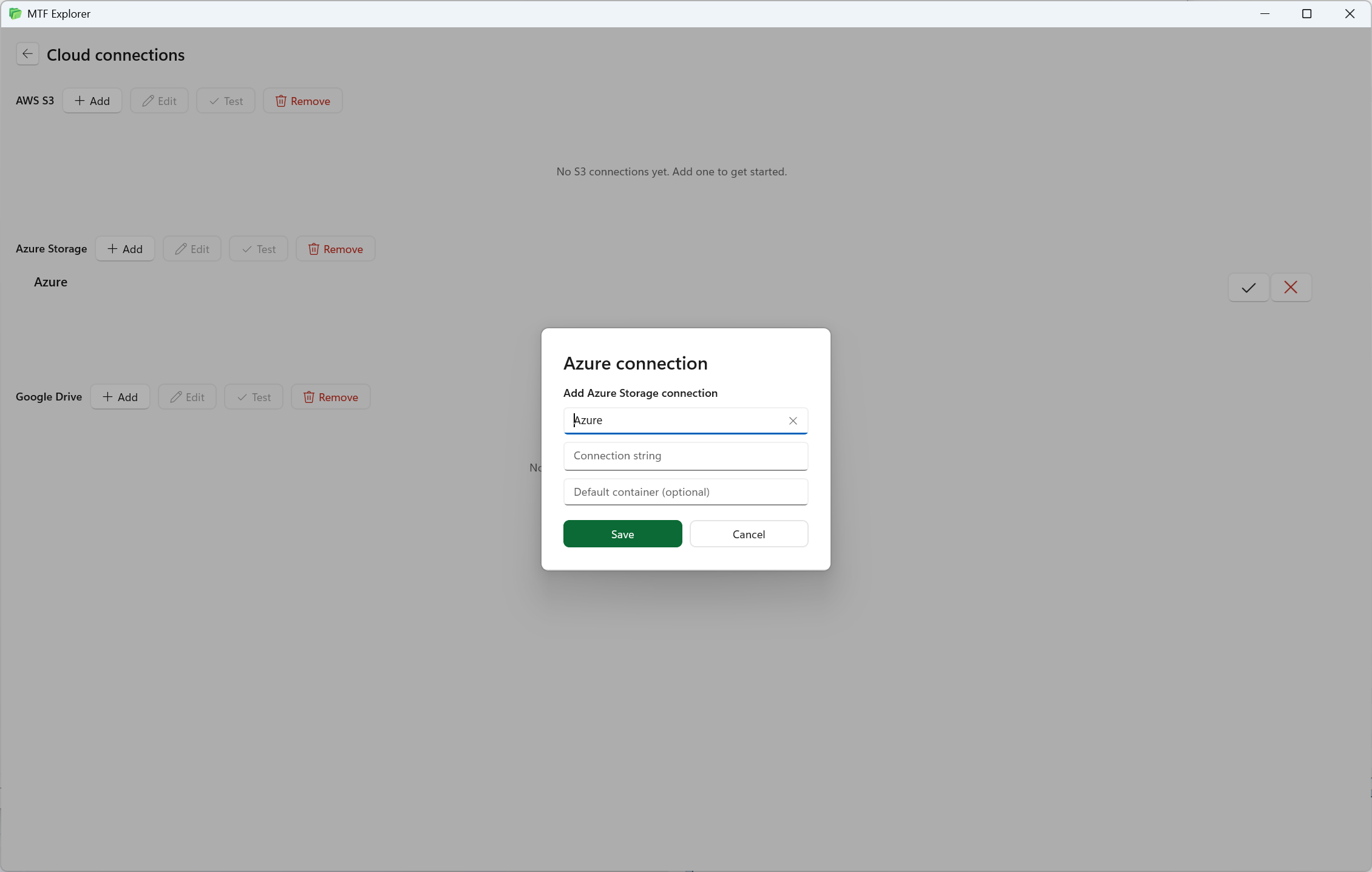
Work with AWS S3, Azure Storage, and Google Cloud from the same workflow.
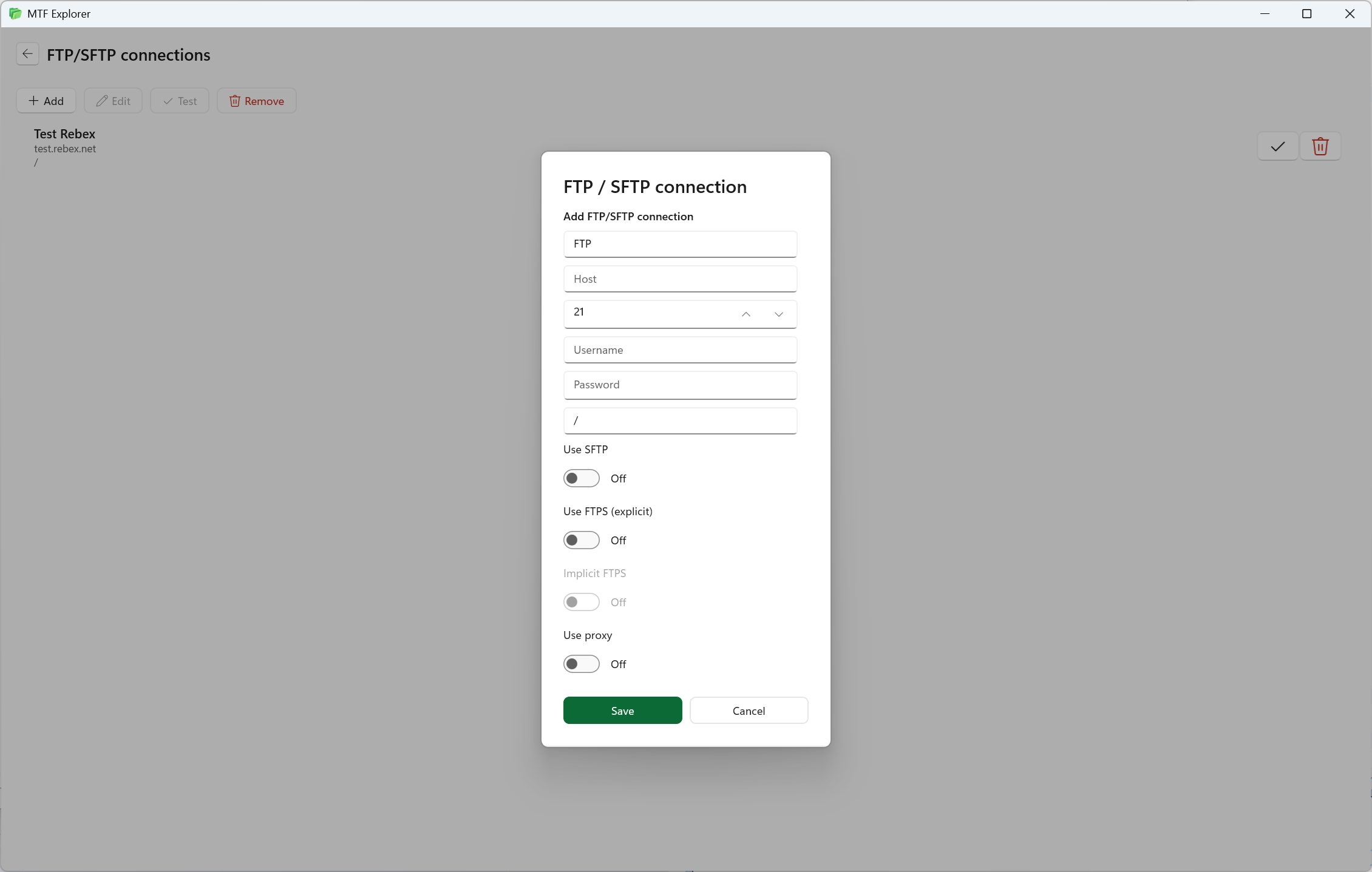
Manage remote servers with secure transfers and predictable navigation.
Allows for automatic, bidirectional transfer of media files and associated metadata to and from portable devices (e.g., Android phones, MP3 players) via USB.
Find Files by meaning, not just name or path
AI Search understands what you're looking for: type "invoices from last year", "vacation photos from Italy", or "Python scripts that deal with authentication" and get results ranked by relevance.
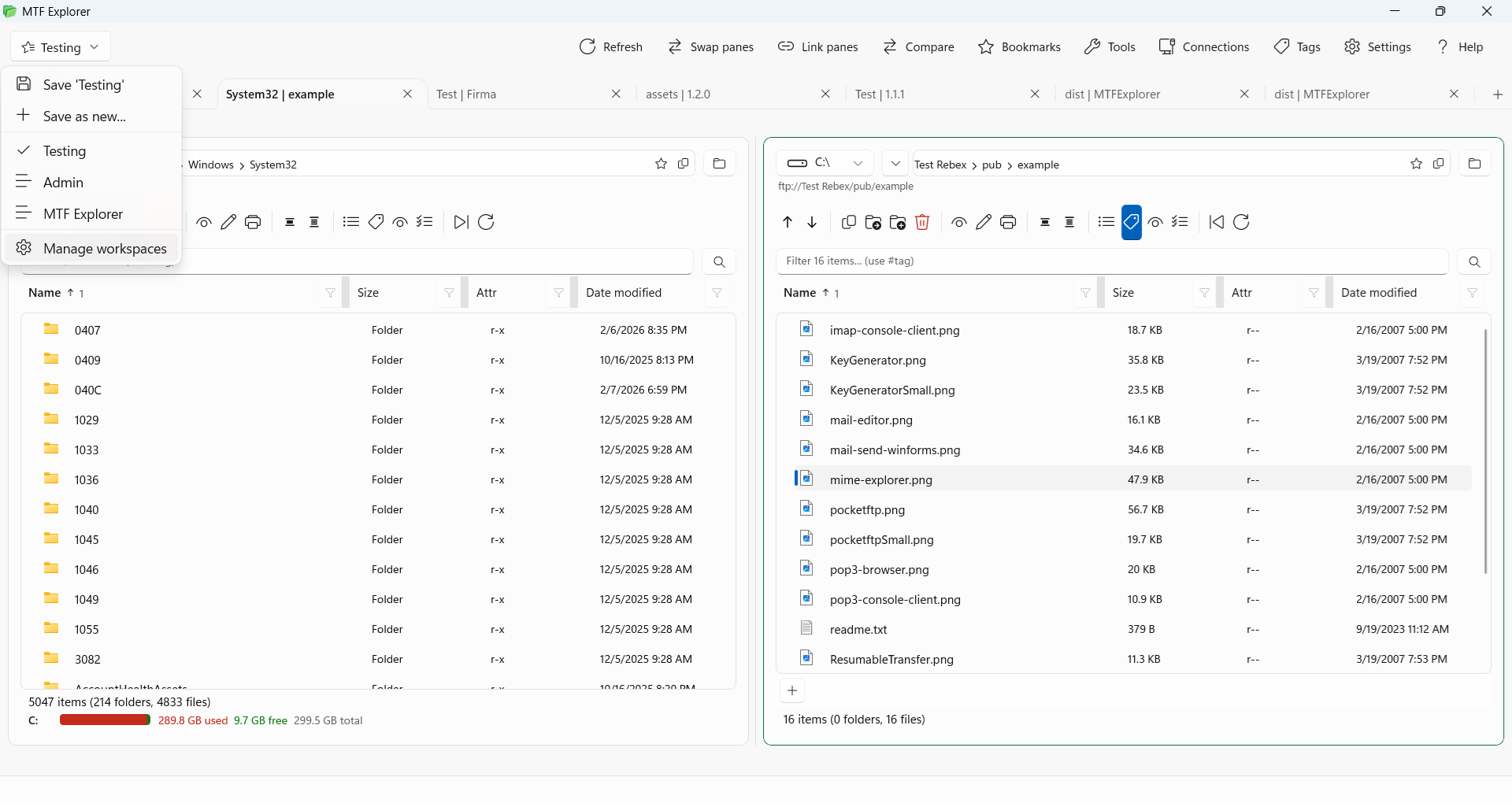
Let you group multiple tabs into context-specific environments, so you can switch between tasks without losing structure or focus.
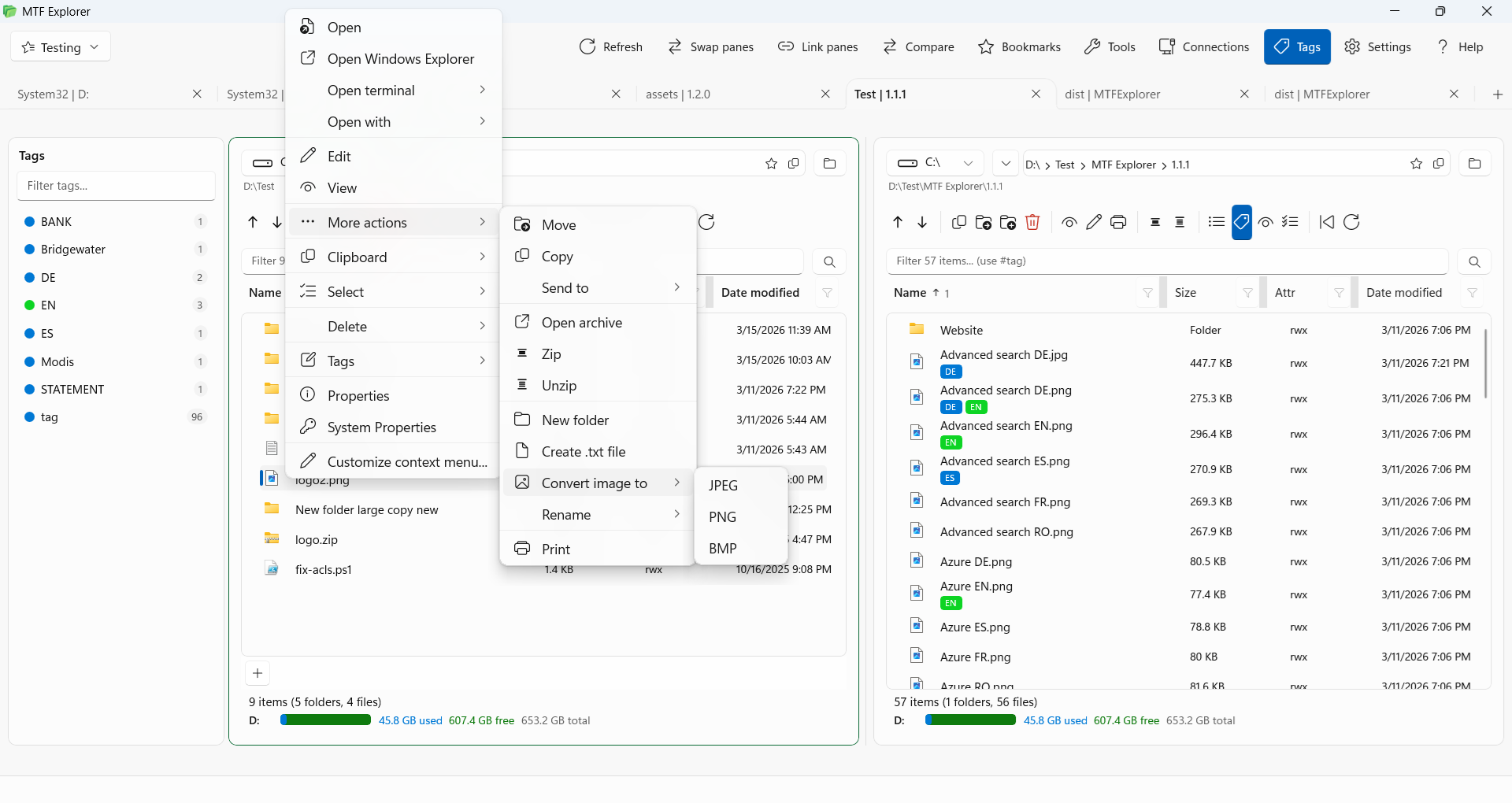
Flexible labels you assign to files and folders, enabling fast, non-hierarchical organization and instant retrieval across locations.
Convert images directly in the file manager to JPEG, PNG, or BMP without opening a separate application.
Use compare and checksum tools to ensure file integrity and correctness.
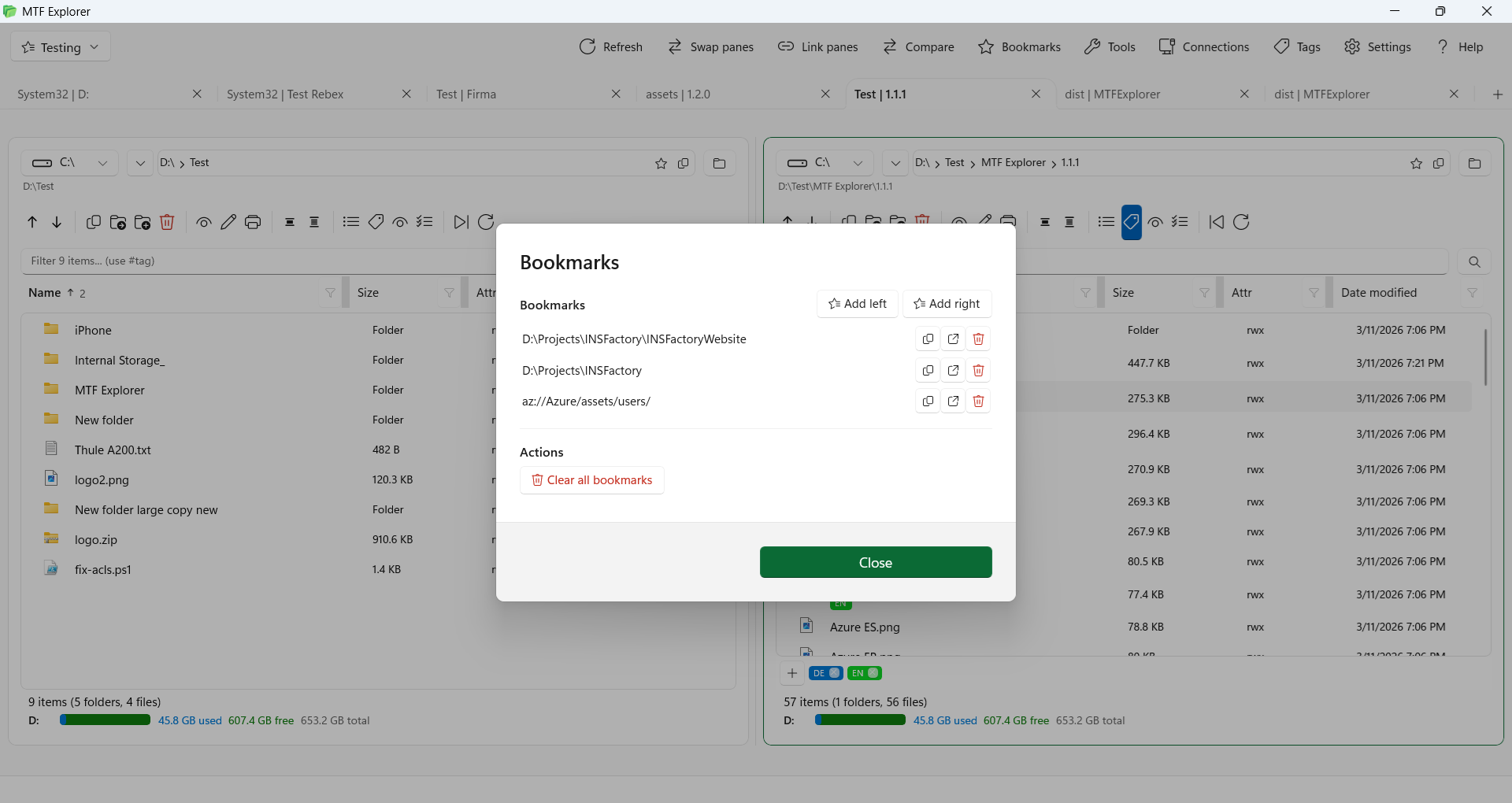
Save common left-right path combinations and jump back instantly.
Theme options, shortcut customization, and import/export settings support.
Find files instantly with advanced search, flexible filtering, and multi-column sorting across local and remote locations.
Touch-screen compliant layout with resizable columns, image thumbnails, and a clean design that adapts to any screen size.
Full interface translations available in English, German, French, Spanish, Spanish Latin American, Portuguese and Romanian.
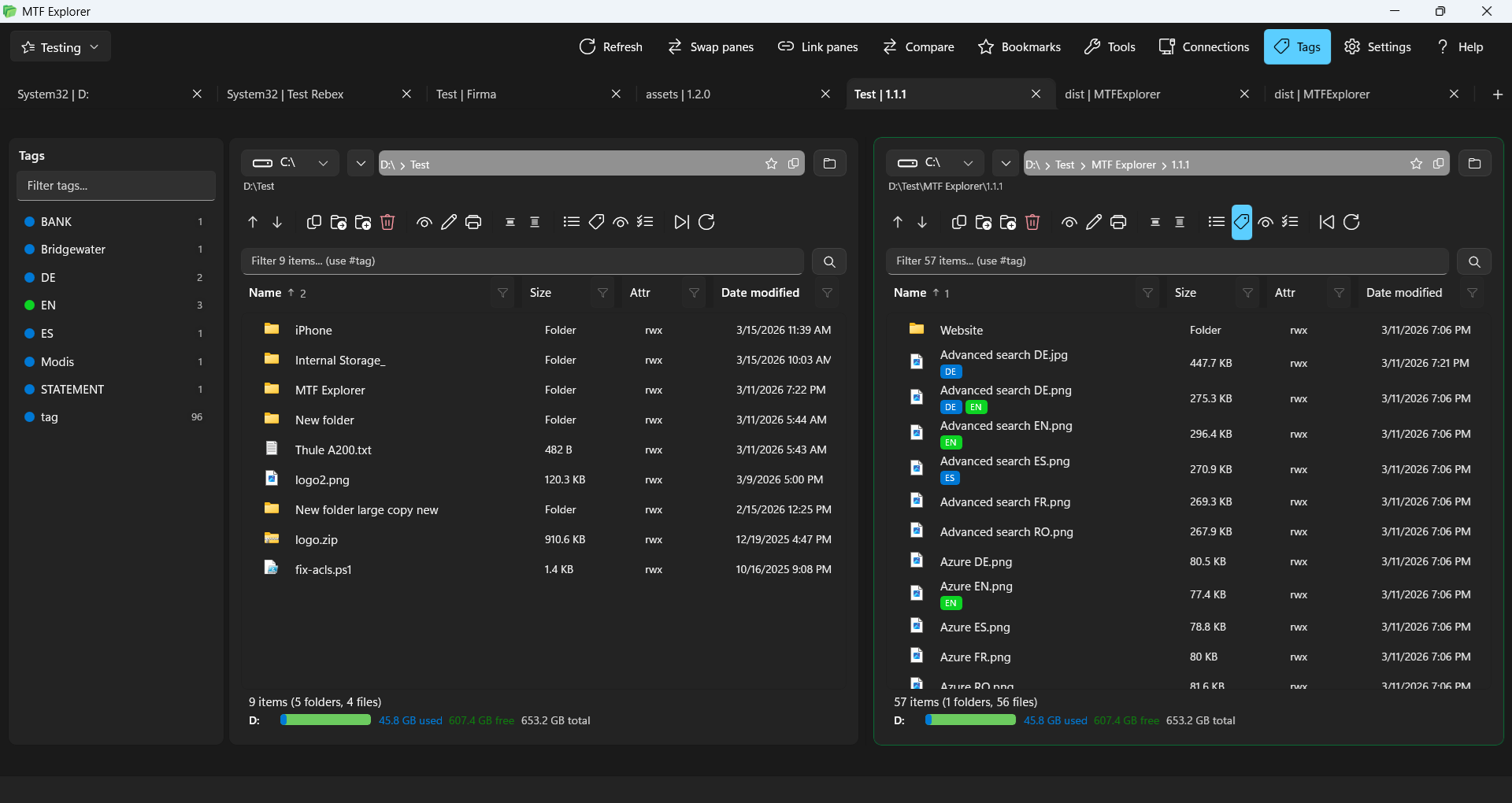
Real interface snapshots from MTF Explorer workflows and connection modules.

Legal documents
Common questions about MTF Explorer for Windows.
MTF Explorer requires a one-time purchase on the Microsoft Store. A free 15-day trial is available so you can evaluate all features before buying.
Yes. MTF Explorer includes built-in FTP and SFTP clients so you can connect to and manage remote servers directly from the same dual-pane interface, without needing a separate FTP application.
MTF Explorer supports AWS S3, Microsoft Azure Storage, and Google Cloud Storage. You can work with cloud files side-by-side with local folders in the dual-pane layout.
Yes. MTF Explorer features a multi-tab interface on both panes, similar to a web browser. Each tab can navigate an independent local folder, FTP connection, or cloud bucket.
MTF Explorer runs on Windows 10 and Windows 11 as a native desktop application, available through the Microsoft Store.
Yes. MTF Explorer supports MTP (Media Transfer Protocol), allowing you to browse and transfer files to and from Android phones, MP3 players, and other USB devices directly within the file manager.
Yes. AI search can index file names, folder paths, and the content of your documents — PDFs (page by page), text files, code, Markdown, spreadsheets, config files, and more. Fully configurable: choose which file types to index, tune chunk size and overlap for your content style, and control exactly how your index is built.
Everything runs 100% locally on your device — no cloud, no subscriptions, no data ever leaves your machine. Choose the model that fits your hardware:
Yes, MTF Explorer includes both light and dark themes. You can switch between them in the settings at any time.